




Hi Qlik and Inphinity community,
Welcome to the latest release of Inphinity Forms.
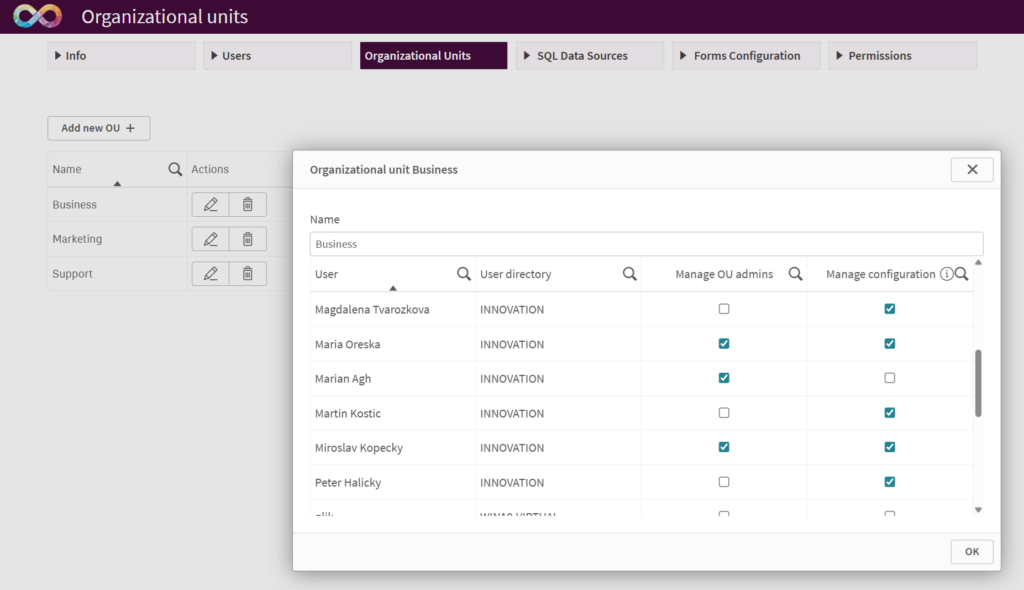
This release introduces Organizational Units for both SaaS and on-premise deployments. Designed with large enterprises in mind, Organizational Units make it easier to manage administrator access based on departments, regions, business units, or any other organizational structure. This provides greater control, flexibility, and governance across complex deployments.
Over the past few months, we’ve also reviewed and redesigned hundreds of system messages throughout the product. The goal was simple: make error messages more helpful, actionable, and informative whenever something unexpected occurs, helping administrators and users resolve issues more quickly.
Let’s take a closer look at what’s new.
Organizational Units (Admin Access Management)
Organizational Units introduce a new level of administrative access control in Inphinity Forms. They enable organizations to delegate administration while limiting access to specific SQL data sources, form instances, and permissions.
With this release, the former Inphinity Admin role becomes Inphinity Tenant Admin, retaining full access across the tenant. A new Inphinity OU Admin role provides administration rights within assigned Organizational Units only.
Organizational Units are fully customizable and can reflect departments, regions, business units, or any other organizational structure. To maintain governance, only Tenant Admins can create and manage Organizational Units.
Unique Constraints For Non-SQL Form Instances
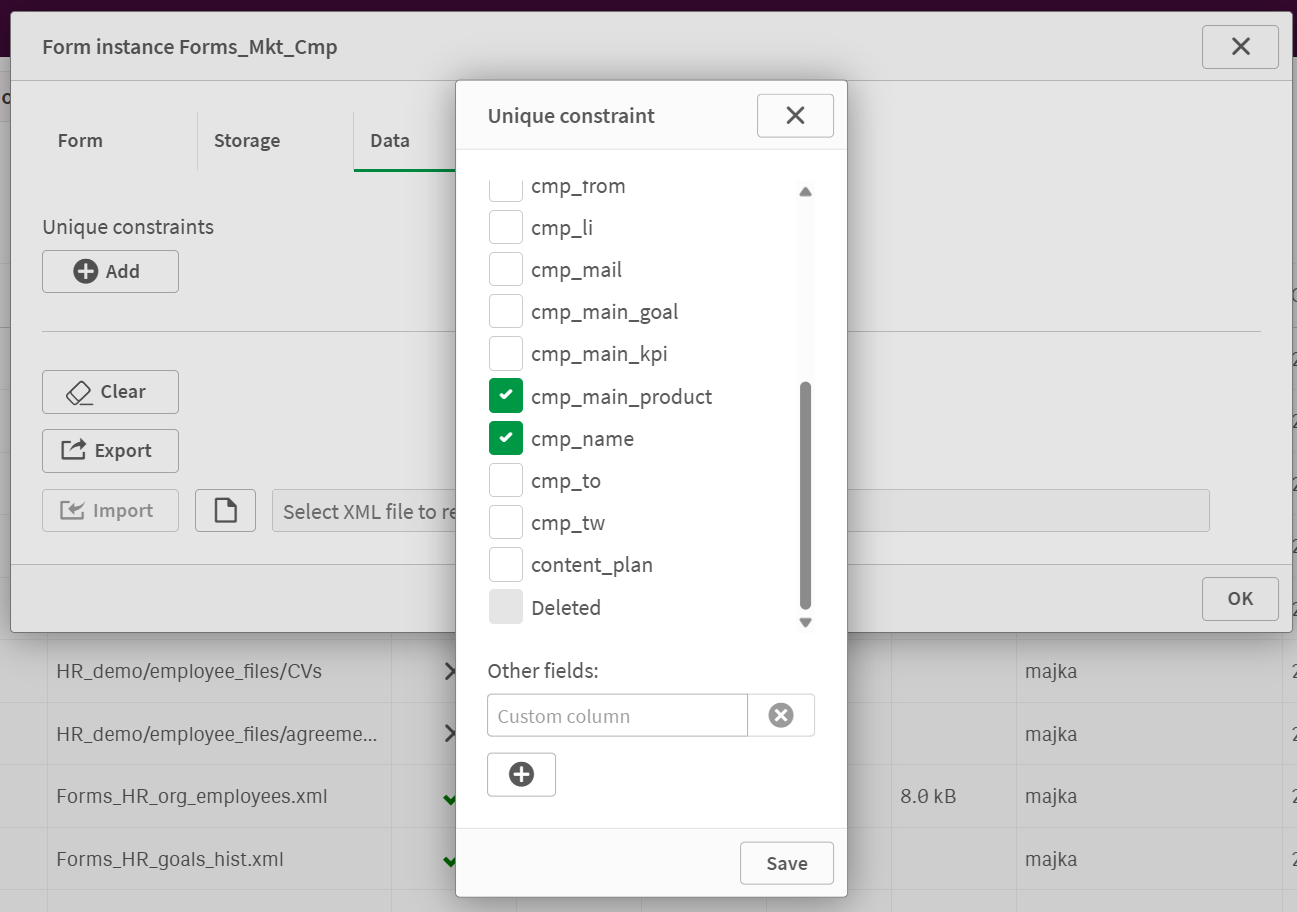
For SQL-based form instances, data uniqueness can be enforced directly in the database through SQL constraints. With this release, the same level of control is now available for non-SQL form instances.
You can define unique constraints based on a single field – not necessarily a key field – or a combination of multiple fields to prevent duplicate records and ensure data integrity.
This feature is available for:
- Inphinity-managed form instances in Full SaaS deployments
- QVDs and XML files in On-premises and Hybrid SaaS deployments
Revamped Error Messages
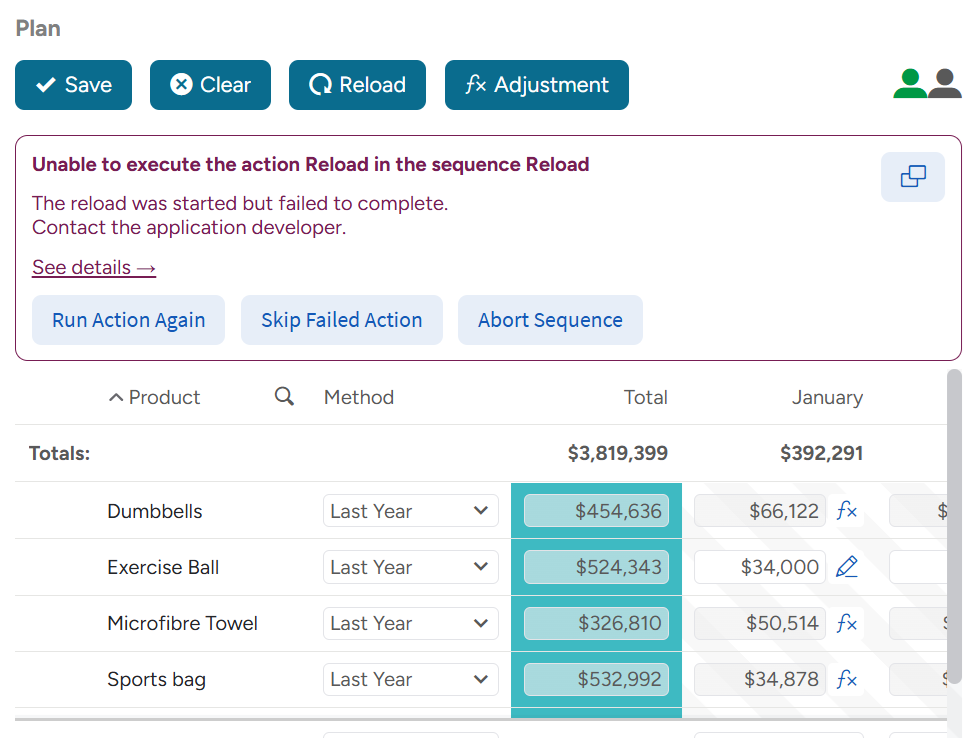
Error messages across Inphinity Forms have been redesigned to make troubleshooting easier.
They now clearly explains what happened, why it happened, and what to do next. Additional technical details are available on demand, while built-in actions such as Try Again, Skip Failed Action or Open Documentation help users continue with their work or resolve issues more quickly.
Other Improvements
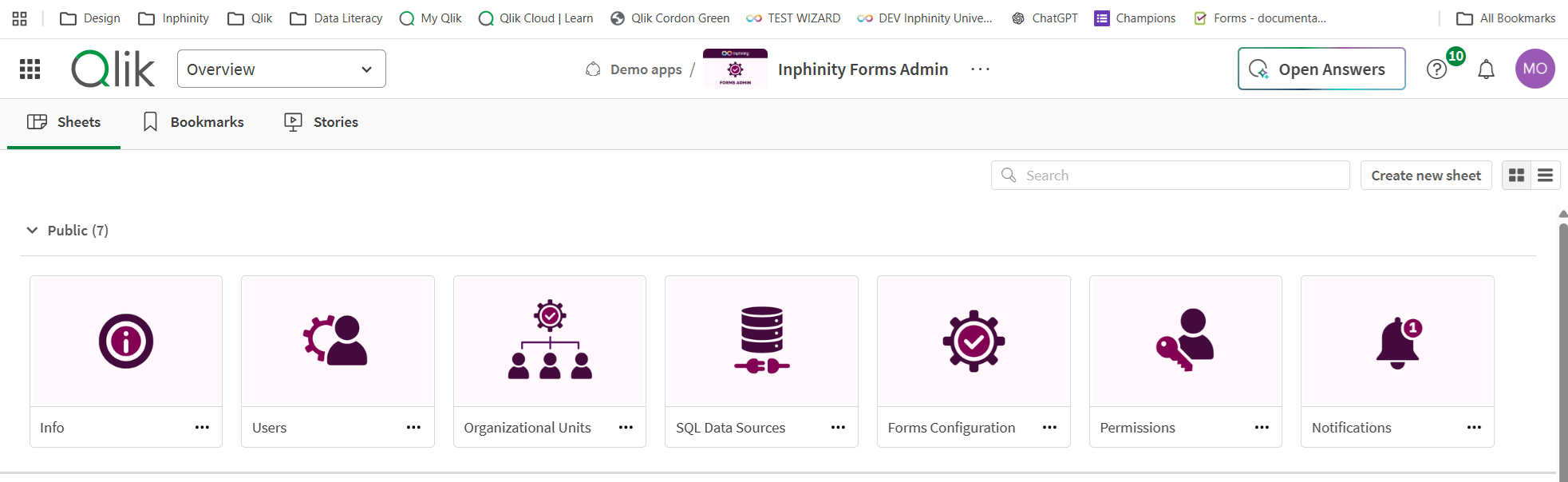
This release also includes a range of visual and functional enhancements across the Inphinity Forms administration application, making it easier to manage and configure Inphinity for your organization.
As always, we have also addressed reported bugs. You can find the full changelog here.
Explore tens of free demo applications at Inphinity Universe for more inspiration.
Follow us on LinkedIn.
Enjoy Inphinity 😉!