



Hi Qlik and Inphinity community,
Welcome to the latest Inphinity release.
This time, we’re making it easier for more people to work in Inphinity Forms, and to work together.
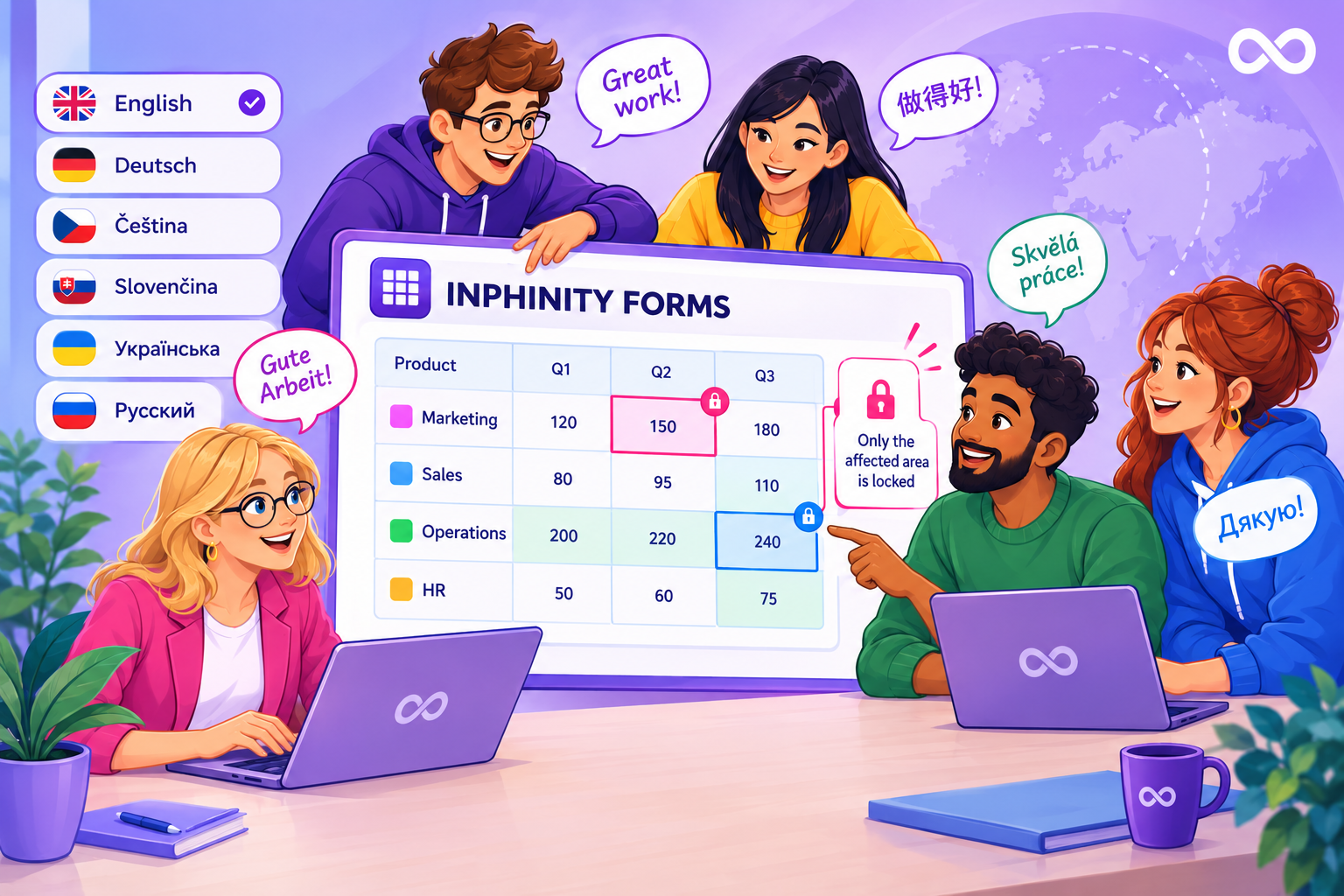
Inphinity Forms is used by tens of thousands of people worldwide, many of whom work in languages other than English. The Inphinity interface now follows the language set in each user’s Qlik Cloud profile or browser.
Based on customer feedback, we’ve improved collaboration in Forms Planning. Edits now lock only the affected area, so colleagues can continue working on the same plan without overwriting one another’s changes. Additionally, scrolling is now perfectly smooth.
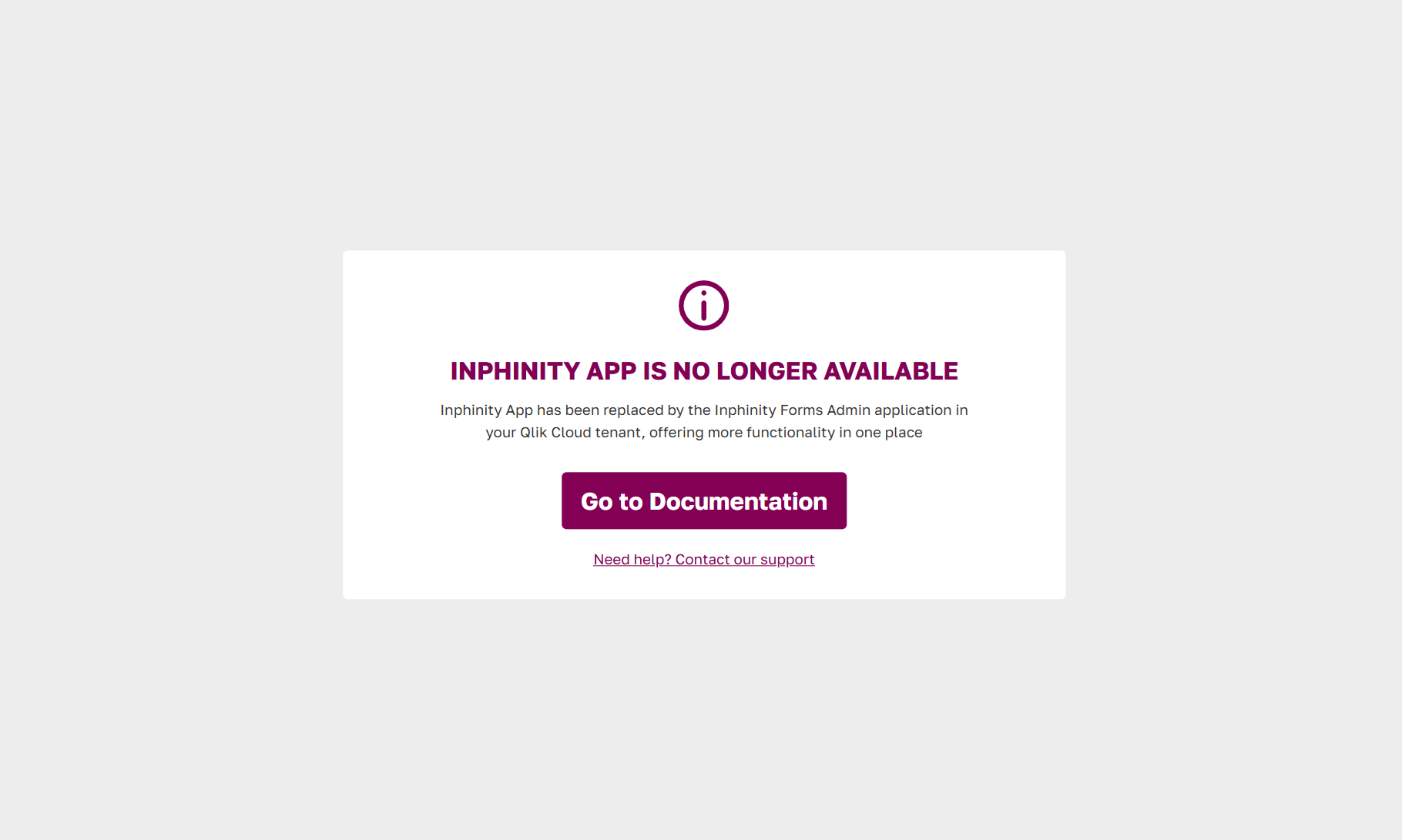
As announced, we’ve retired the Inphinity App portal. You can now manage everything in the Inphinity Forms Admin application, which offers even more options than the old portal.
Let’s take a closer look at what’s new.
Automated Translation of Inphinity
The Inphinity interface can now appear in each user’s language, following their Qlik Cloud or browser settings.
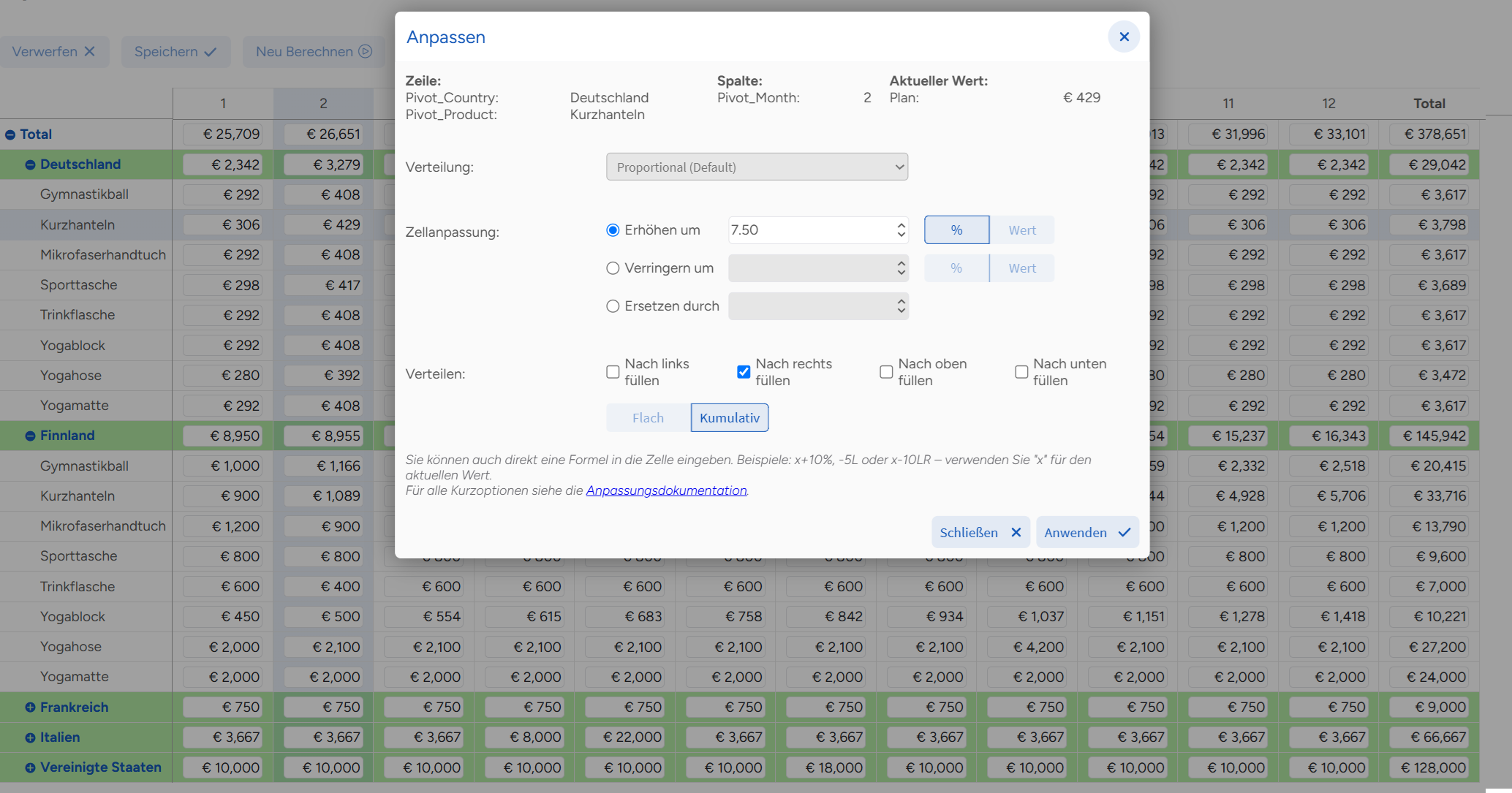
The following elements are translated automatically (see more details in the documentation):
- Built-in toolbar buttons, unless renamed
- Default tooltips
- Error messages
- The Adjust dialog in Forms Planning
- The properties panel
English is available by default. Administrators can also install the following language packs:
- German
- Czech
- Slovak
- Ukrainian
- Russian
Custom labels, column names, and other text defined by the developer are not translated automatically.
Would you like to use Inphinity Forms in another language? Submit a feature request and let us know if you’d be willing to help with the translation.
Enhanced Collaboration in Forms Planning
When several people work on the same plan, real-time collaboration prevents them from overwriting one another’s changes. In Forms Planning, an edit can affect more than one cell: changing a leaf cell updates related aggregates, while changing the overall total can adjust the entire plan. Until now, any edit locked the whole pivot table for other users.
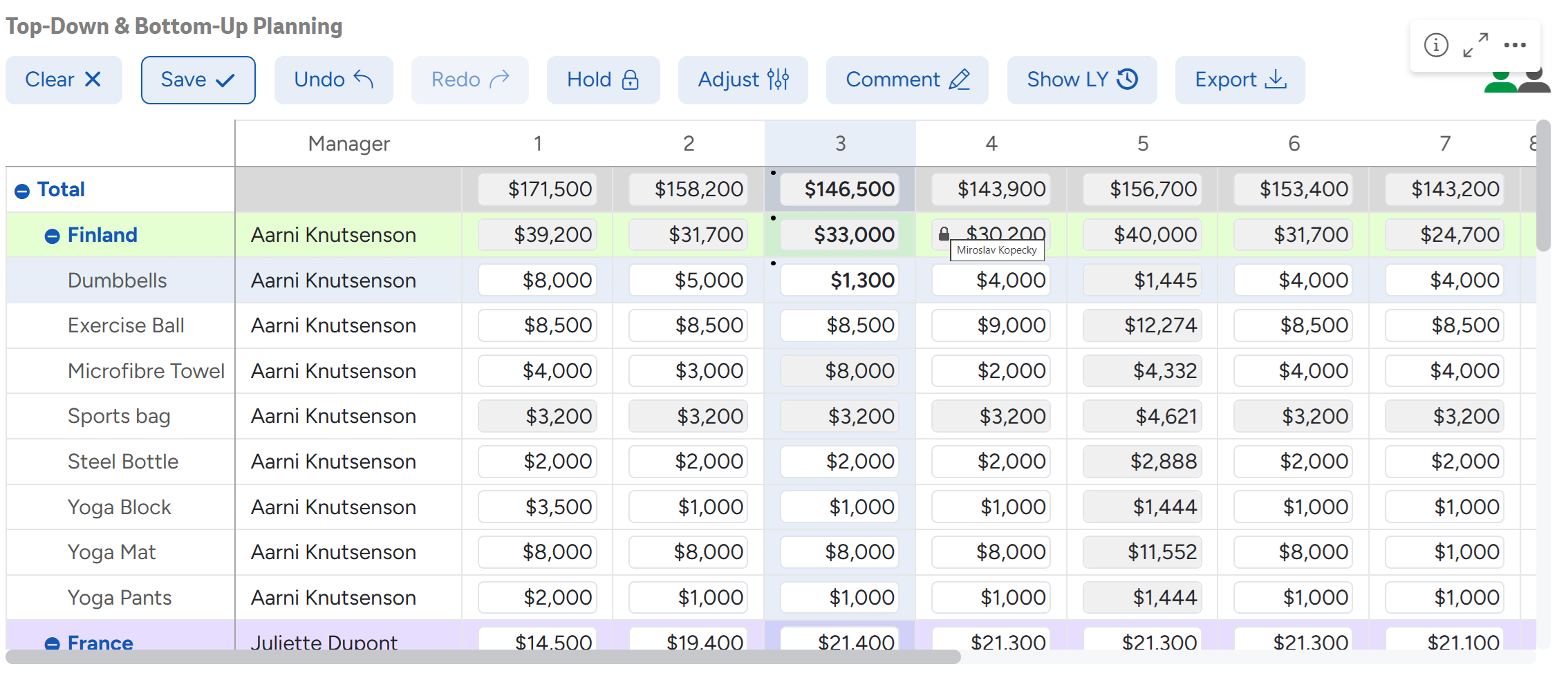
Forms Planning now determines which area an edit affects and locks only that area. Other users can continue working on unaffected parts of the plan. When you hover over a locked cell, the user locking the cell is displayed.
Scrolling within Large Plans
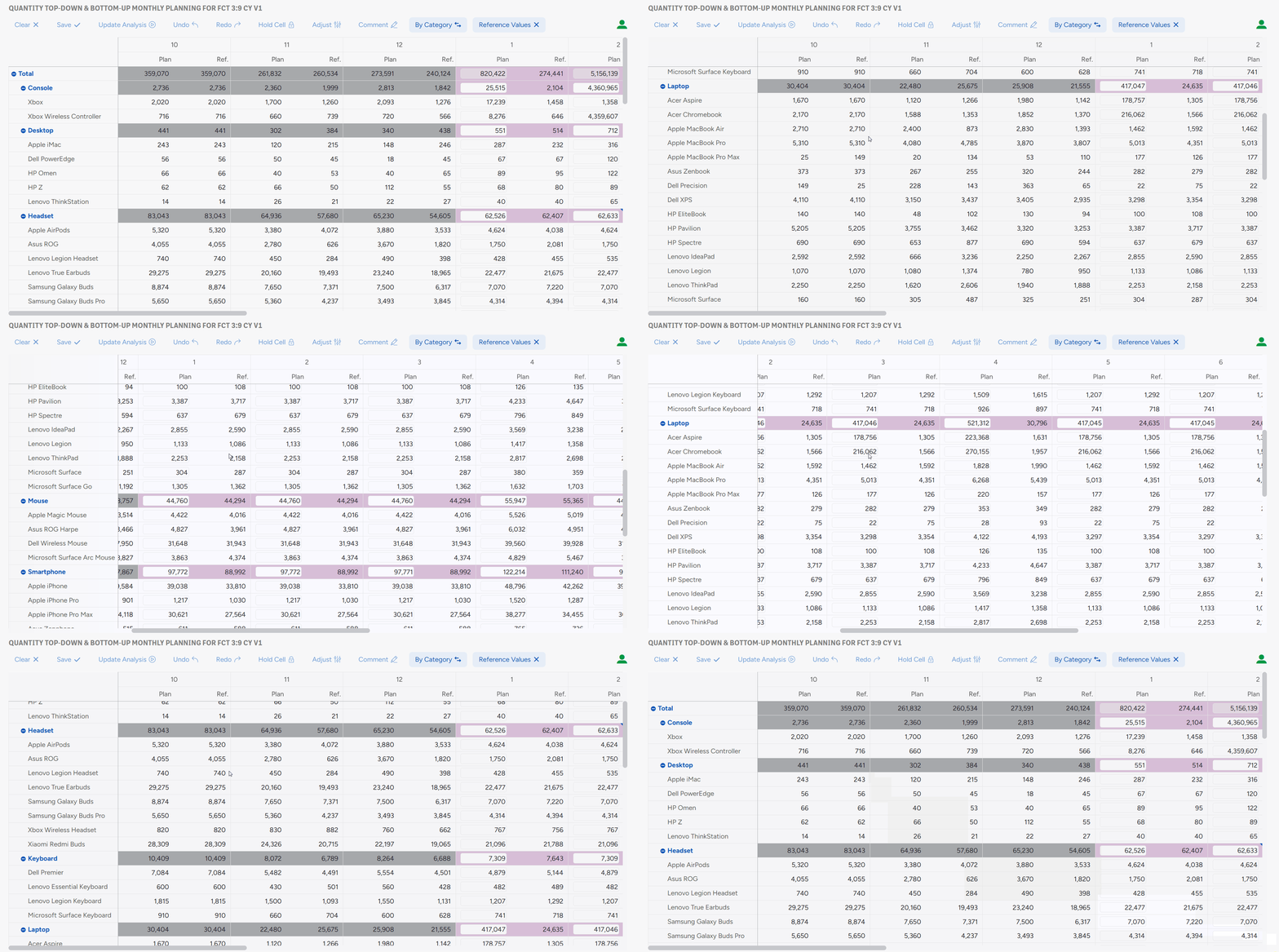
Scrolling within large Forms Planning objects is now perfectly smooth. You can even move diagonally.
It reminds me of the feeling I had when I discovered I could rotate pie charts in Qlik. 😉
Inphinity App Removed
As announced, the deprecated Inphinity App portal can no longer be used to manage Inphinity Forms. All its management features, and more, are available in the Inphinity Forms Admin application.
The Inphinity SaaS backend remains unchanged, so your existing REST connections will continue to work without updates.
Other Improvements
We’ve continued to improve autocalculated fields in Forms Planning: pivoted fields can now refer to non-pivoted fields.
Forms Planning instances using Snowflake also load much faster. Some that previously timed out now load in just a few seconds!
As always, we have also fixed reported bugs. You can find the full changelog for Inphinity Forms on this link and for Inphinity Flow here.
Explore lots of free demo applications at Inphinity Universe for more inspiration.
Follow us on LinkedIn.
Enjoy Inphinity 😉!