About Mayo Hardware
Mayo Hardware, a family-owned Australian wholesale distributor, is a market leader in security, safety, hardware, and outdoor lifestyle categories, supplying retail, trade, government, and commercial markets across Australia, New Zealand, and selected export markets.
The challenge for Mayo Hardware
Spreadsheet complexity
Excel budget templates took months to build, yet separate files and manual consolidation still kept one reliable planning view out of reach.
Manual steps prone to errors
Each planning cycle involved manual calculation steps, and planners spent more energy on protecting fragile Excel formulas than on the numbers themselves.
Black box calculations
Spreadsheet formulas and consolidation logic sat across different files, so planners could not easily trace how each final budget number came together.
Disconnected planning and analytics
Planning outside Qlik slowed every review cycle: teams had to move between tools to spot issues, test changes, and adjust the budget.
Combined, these issues called for a governed solution with a unified front-end and automated calculation steps.
Before Forms we were using Excel spreadsheets. Despite months spent building the templates, we were not able to achieve a seamless planning process mainly due to the complexity, manual steps that are prone to errors and difficult consolidation of multiplne spreadsheets. We needed a governed solution, unified front-end and automation of manual calculation steps.
Jeff Brown
General Manager Supply Chain
How Inphinity helps Mayo Hardware
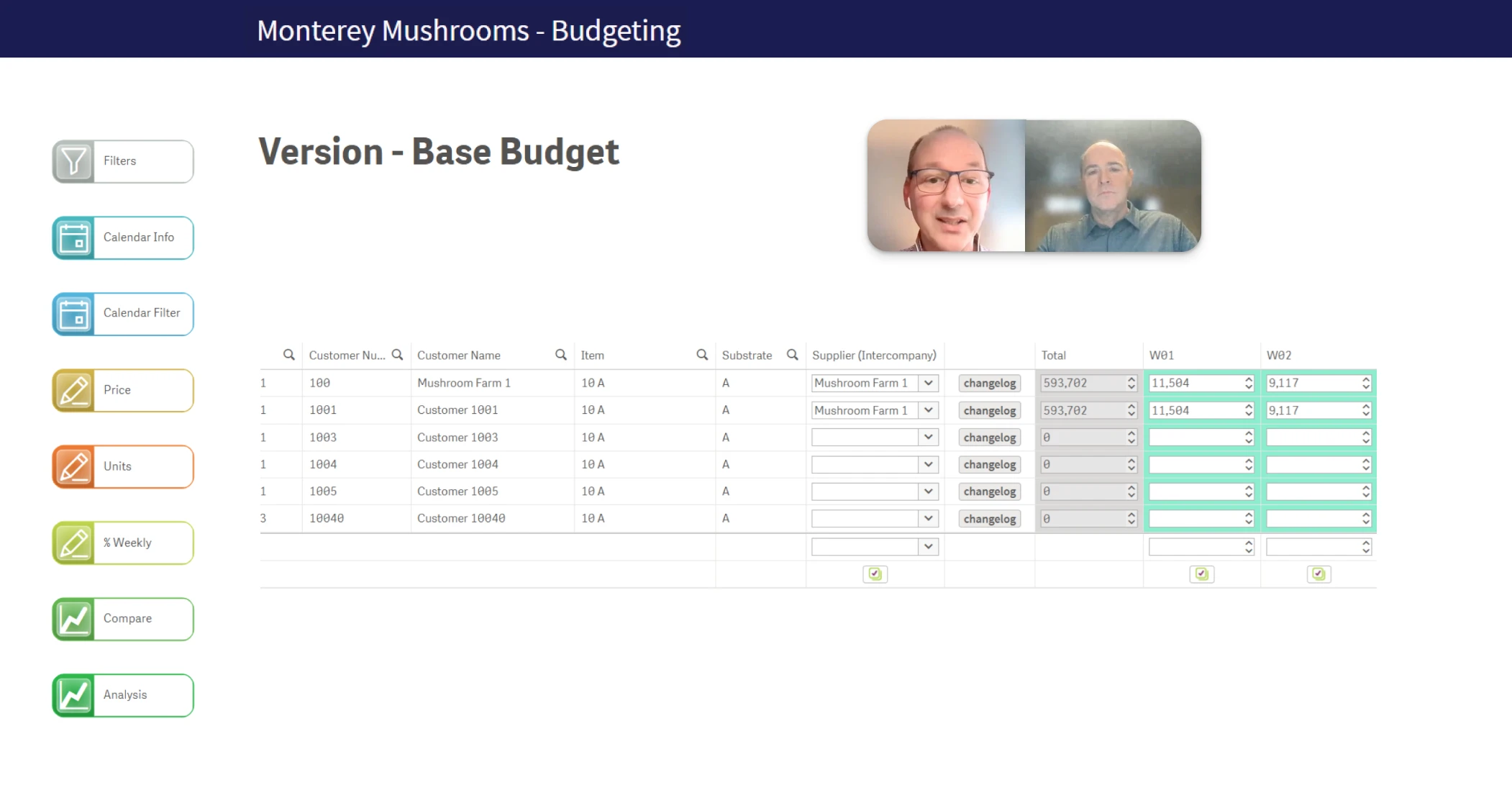
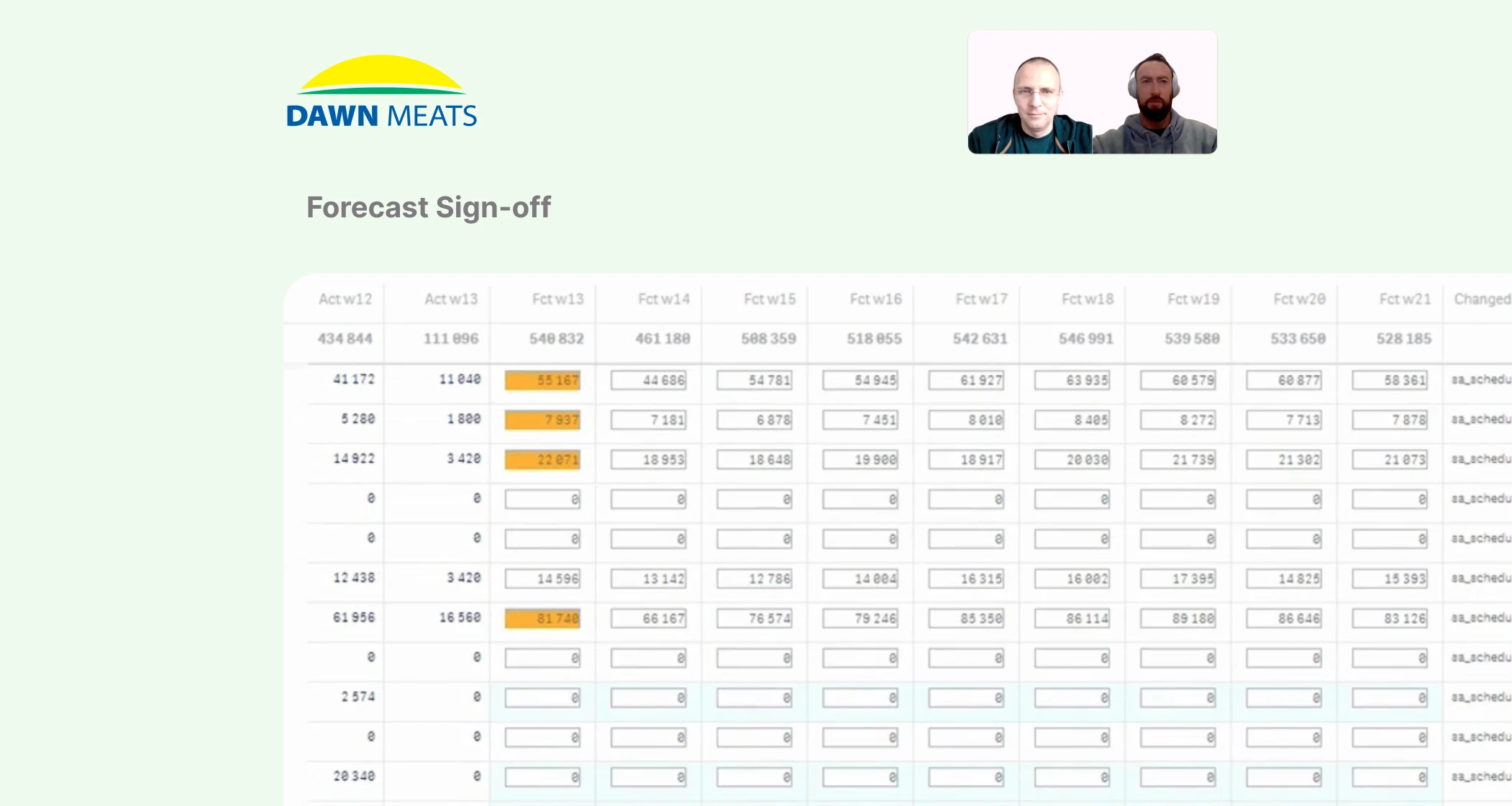
Inside Qlik Sense, Inphinity Forms adds the writable layer to the sales planning app. Planners enter budgets in guided templates populated with forecasts and last year’s sales. User-specific access, change history, and Qlik script logic keep the process governed and turn every input into final budget outputs.
- Baseline planning starts with forecasts and last year’s sales already loaded. Planners adjust monthly sales quantities per item in Qlik, with actuals and % variance shown next to each input.
- Growth planning lets planners set quarterly growth for sales units, then plan cost and price growth by customer, product, and quarter. Actual and budgeted values stay side by side.
- Supporting templates handle new products and foreign exchange rates. Qlik script consolidates all inputs into final budgeted sales, margin, and COGS.
The implementation of Sales Planning in Forms took us just 4 weeks – incredible achievement compared to our previous planning solution in Excel, which took us months to build.
Jeff Brown
General Manager Supply Chain
Now every user works only with their own data and templates. The app tracks the full history of changes, and anyone can see exactly how the final budget is calculated.
The Inphinity difference
Planning and analytics now run as one integrated process in Qlik.
Before
- Excel templates took months to build and remained complex to maintain.
- Consolidating multiple spreadsheets was manual and prone to errors.
- Planners worried about breaking fragile Excel formulas.
- Final outcomes were calculated in a black box.
- Reforecasting during the year was very difficult to automate.
After
- Sales planning in Forms was implemented in just 4 weeks.
- Inputs from all templates consolidate automatically in Qlik script.
- Planners focus on the numbers in guided, pre-populated templates.
- Every budget can be traced in detail, with a full history of changes.
- Reforecasts now run throughout the year to reflect the market.
If you have a specific question about this case or you’d like to dive deeper into the solution, contact us.